Notion is a popular choice for a trading journal because it keeps tables, notes and images in one place. For recording why you took a trade, it's excellent. The limits appear with statistics that depend on the order of trades, like equity and drawdown, with importing data and with reviewing trades on a chart. Here's how to set it up properly and how to tell when you need something more.
Setting up the database
Create a table database with one row per closed trade. These properties cover what you need:
| Property | Type | Purpose |
|---|---|---|
| Date | Date | Trade entry |
| Asset | Select | EURUSD, NQ, XAUUSD… |
| Direction | Select | Long / Short |
| Setup | Select | Strategy name |
| Risk | Number | Loss at the initial stop |
| Result | Number | Net, after costs |
| Followed plan | Checkbox | Checked if you followed your rules |
| Screenshot | Files & media | Chart at entry |
| Notes | Text | Reason and management |
Then add two formula properties:
- R multiple:
if(prop("Risk") > 0, prop("Result") / prop("Risk"), "") - Winner:
prop("Result") > 0
In the calculation row at the bottom of each column, show the sum and average of "Result" and the percent checked for "Winner". That last figure is your win rate.
The views worth building
- By setup. Group by "Setup" and compare the average R. It's the most useful view in the whole template.
- Plan not followed. Filter "Followed plan" = unchecked. If these rows weigh heavily on your results, the problem is discipline rather than strategy.
- Gallery. Shows screenshots as cards so you can scan similar setups at a glance.
- Calendar. Lays trades out by their "Date" property.
Where Notion hits its limits
Statistics that depend on sequence. Notion formulas work row by row. Cumulative equity, peaks and drawdown require comparing each trade with the ones before it. Relations and rollups can get you there indirectly, but the setup is fragile to maintain. The same applies to winning and losing streaks.
Importing data. You can import a CSV into a database, but there's no native connection to MetaTrader or cTrader. Every update means a new export and import, with a risk of duplicates, or typing trades in by hand.
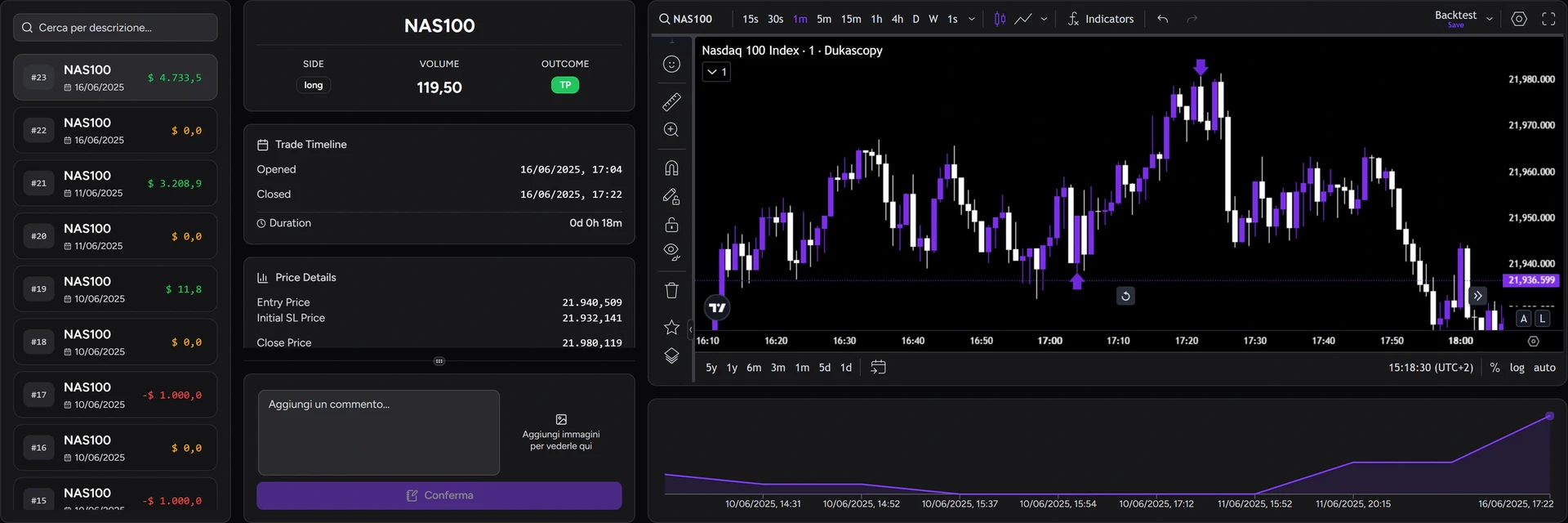
Reviewing on the chart. You can attach screenshots, but you can't reopen the trade on a chart with the entry and exit marked.
Lots of trades and images. With hundreds of rows and attachments, filters and views become sluggish. It's a practical limit rather than a hard one.
Notion and a dedicated journal: splitting the work
You don't have to choose one. Many traders keep their trading plan in Notion (rules, checklists, goals) and use a dedicated journal for the trade data.
In the TotalTrade Journal:
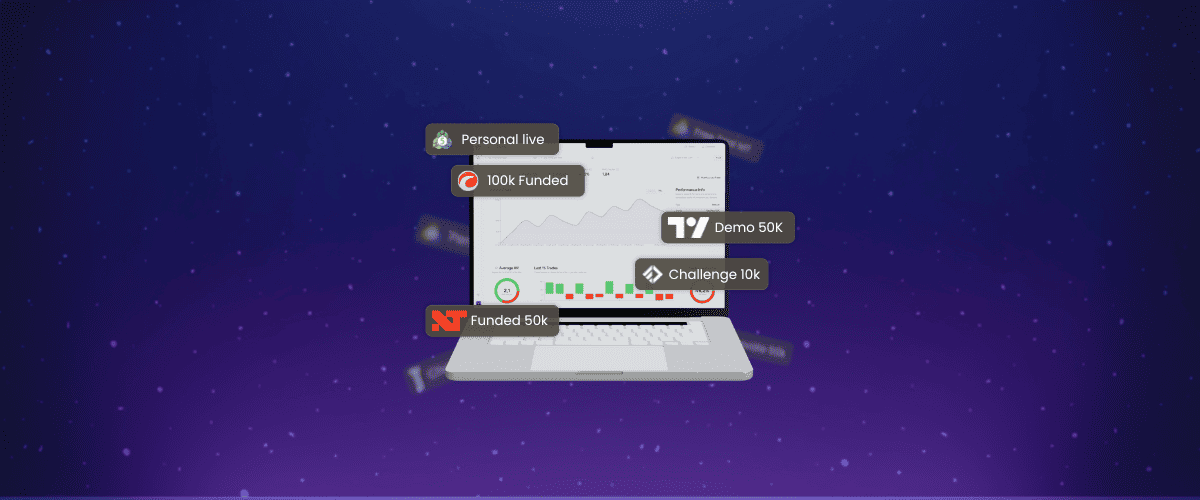
- trades arrive through automatic sync from MetaTrader 5 or cTrader, or by file import from other platforms (the broker directory shows each broker's method);
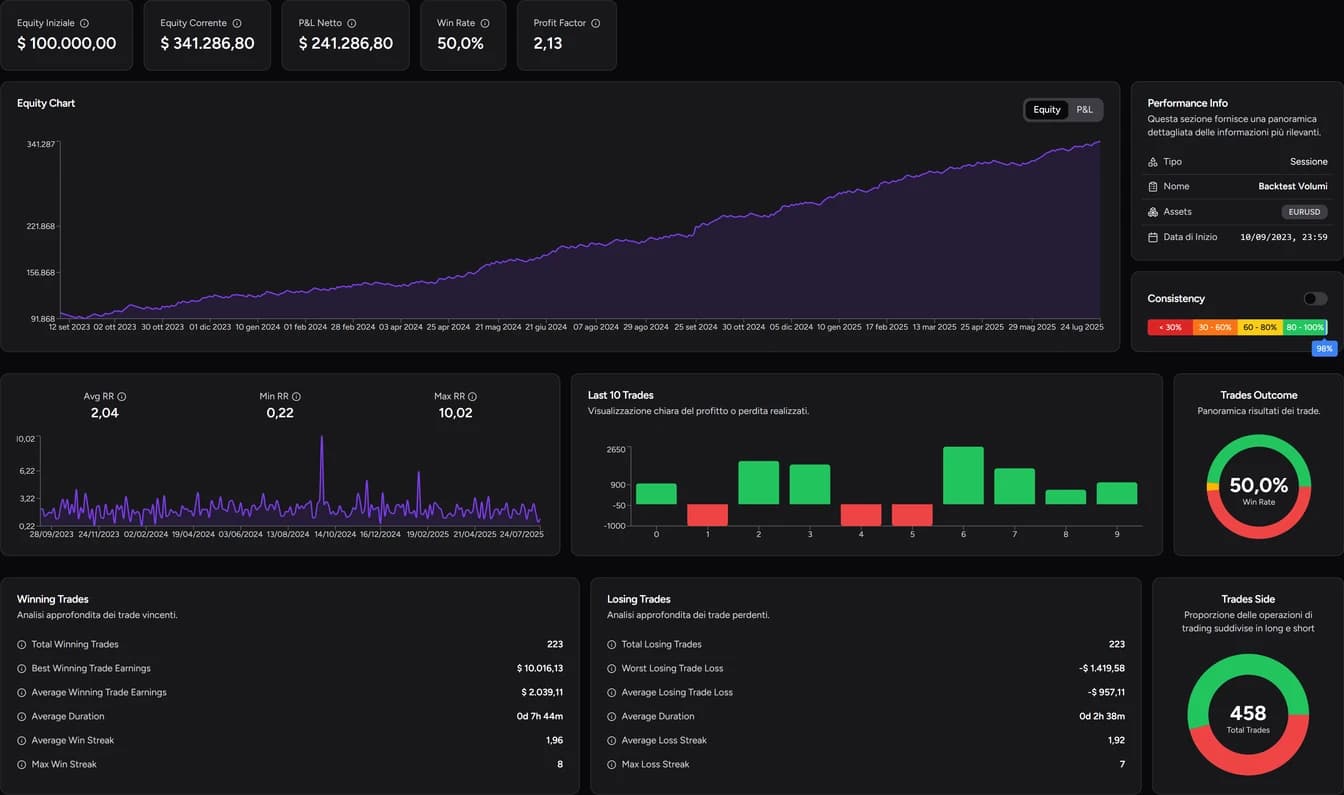
- equity, drawdown and statistics by hour, weekday and tag are calculated for you;
- every trade can be replayed on a chart with Trade Review, alongside its notes and screenshots (see the trade review guide).
A rule you write in Notion ("no entries in the 15 minutes before a high-impact release") becomes a tag you can check against the data.
When to stay with Notion
Stay with Notion if:
- you log a small number of trades and mainly care about your decision diary;
- you like building your own system and don't mind manual entry.
Consider a dedicated journal if:
- you want equity and drawdown without building relations between rows;
- your database is behind because updating it takes too long;
- you run several accounts or prop firm challenges;
- you want to review trades on the chart.
For the other common option, read our guide to a trading journal in Excel. For the bigger picture, start with what a trading journal is.
FAQ
Is there a ready-made Notion trading journal template?
There are plenty, free and paid. Whichever you pick, make sure it separates initial risk from the result. Without those two columns you can't calculate R multiples.
Can I connect MetaTrader to Notion?
There's no native integration. You can export your history and import it as a CSV, repeating the process each time you want to update.
Can I use Notion and TotalTrade together?
Yes. A practical split is Notion for your plan and rules, and TotalTrade for trades, statistics and reviews. With the cTrader connection or MT5, your trades arrive without manual entry.
For information and education only, not financial advice. Backtest and simulation results do not guarantee future performance. Leveraged trading carries a high risk of loss.