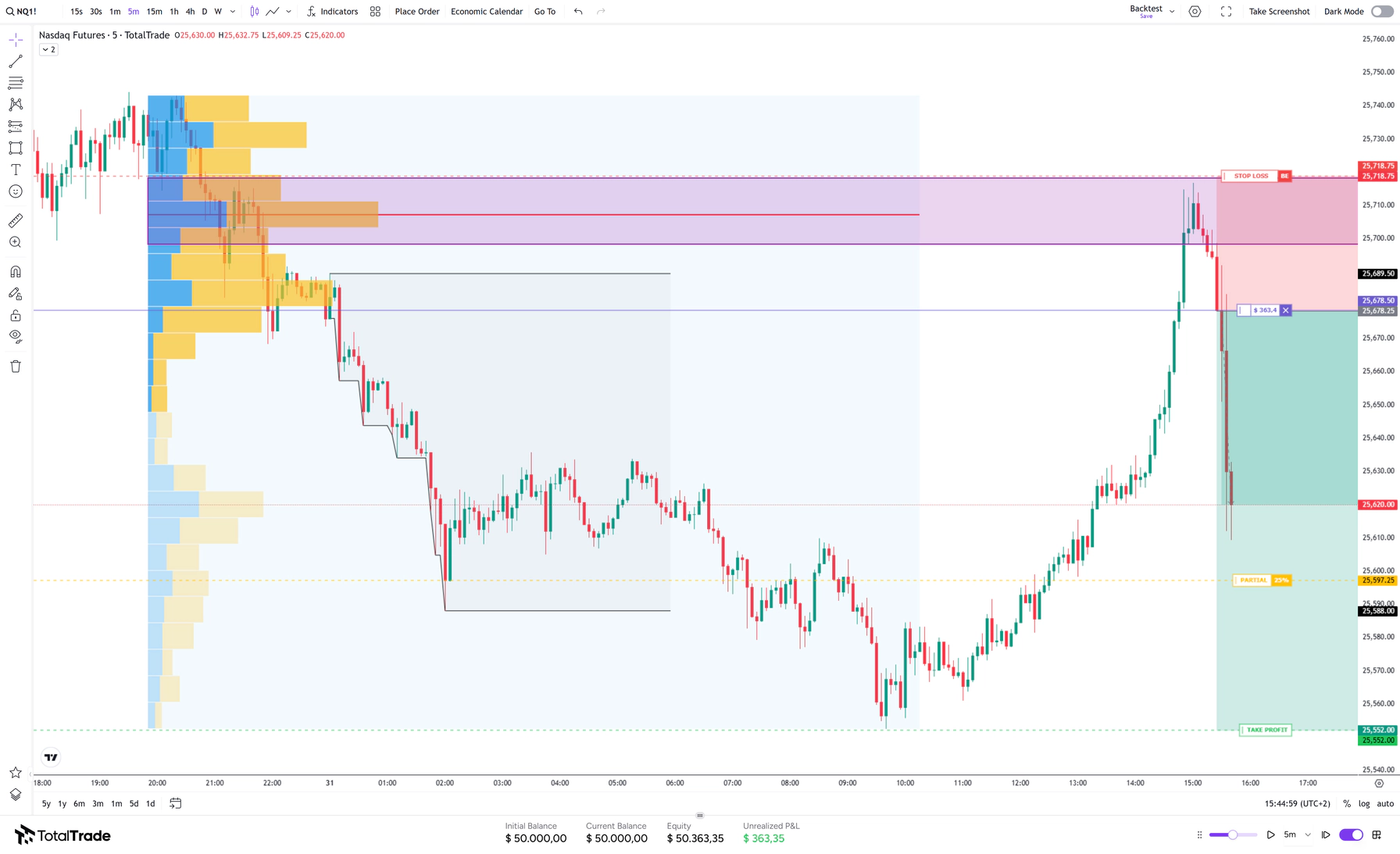
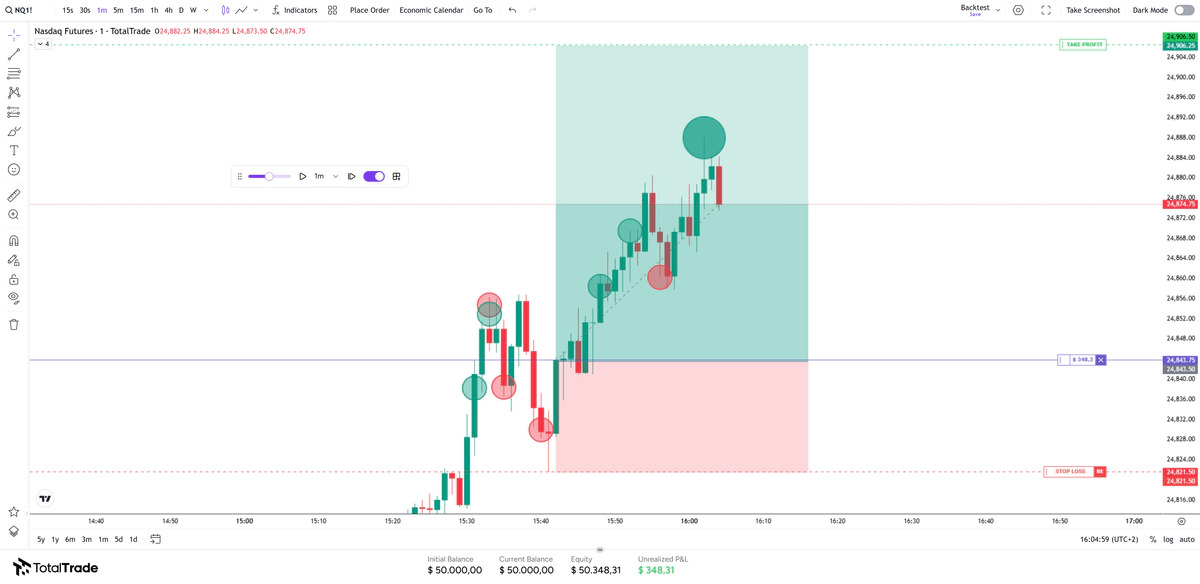
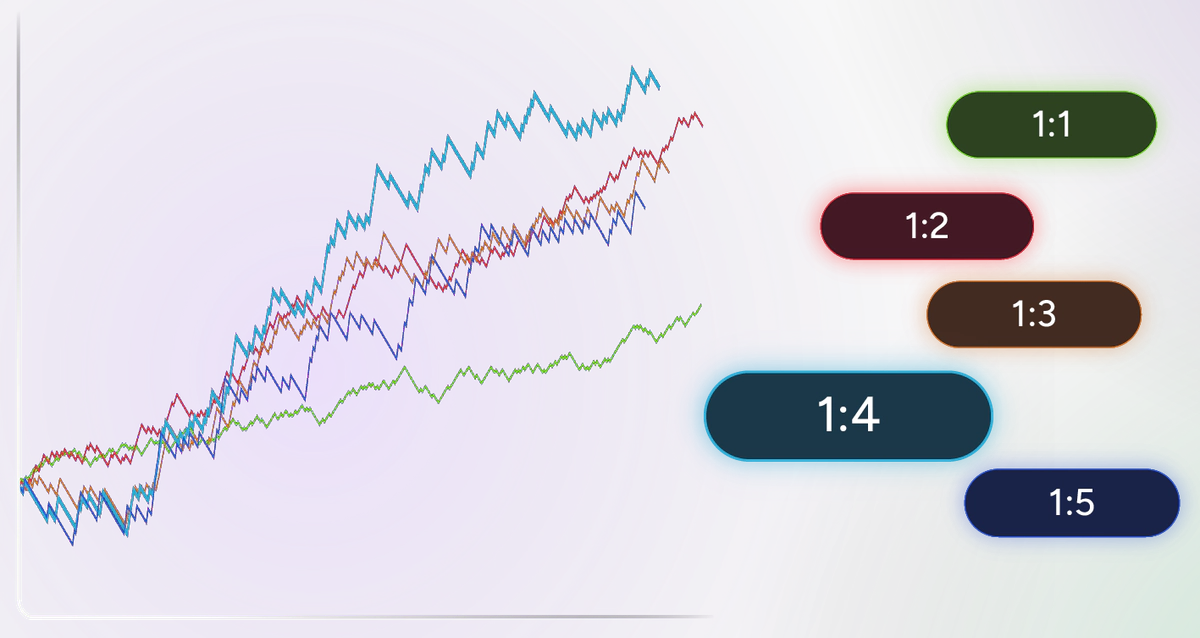
Run the full session through different scenarios and see how the results change when you adjust the risk-reward ratio, partial exits, automatic break even, stop size and risk percentage.
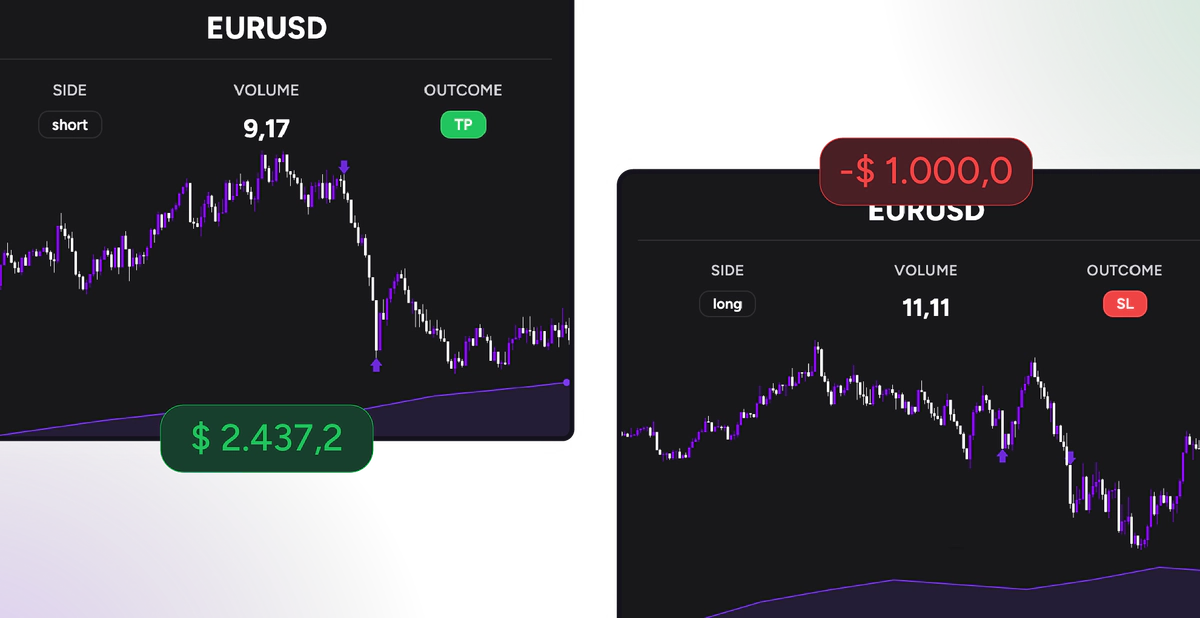
Trade Review
Review every trade in the session, including entries, exits and partial closes. Screenshots and notes preserve the context behind each decision.
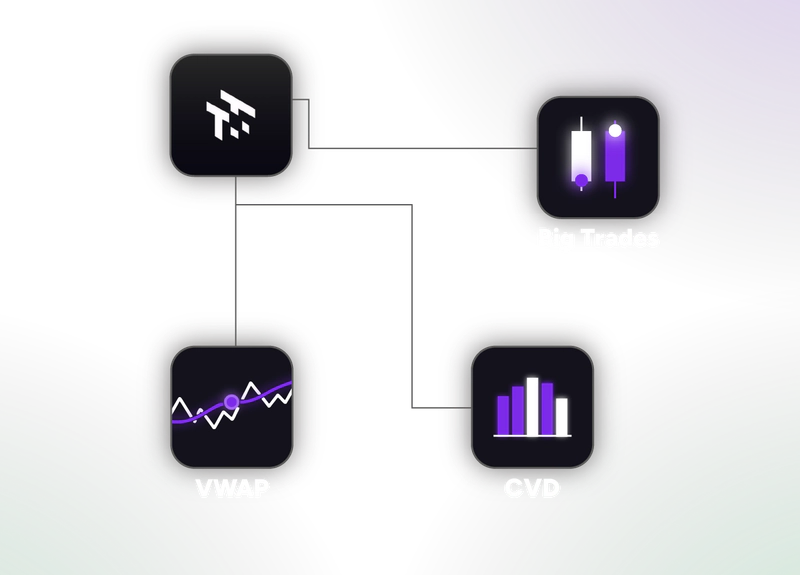
Orderflow
Big Trades and CVD reveal what candles alone cannot show.
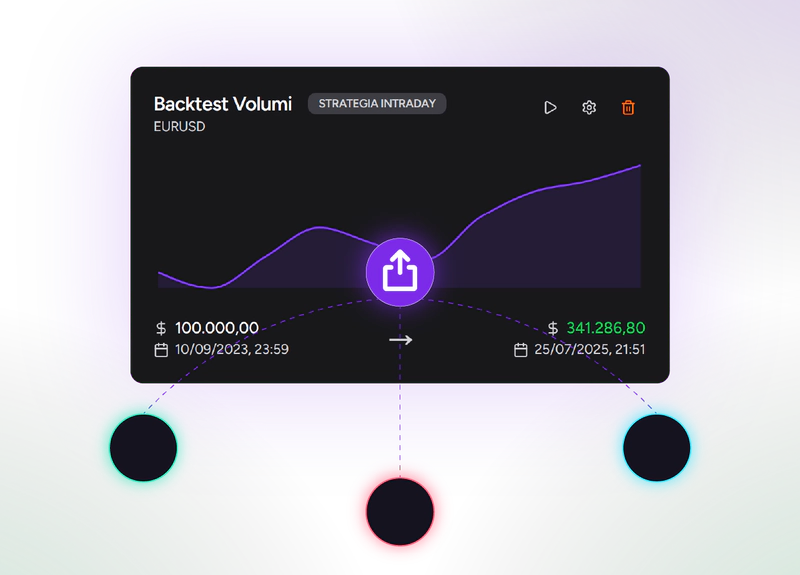
Session sharing
Share a backtest session through a private link with other traders or mentors.
Tag templates
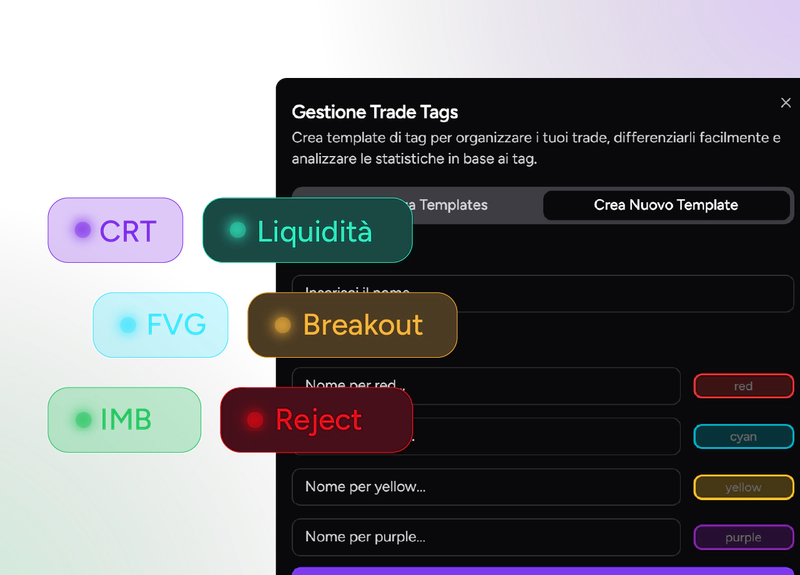
Create custom tags and use them to filter your results in Analytics.
FAQ
Frequently asked questions
01
After a backtest, the Backtest Simulator reruns the whole session and shows how the results change when you adjust the risk-reward ratio, partial exits, automatic break even, stop size and risk percentage. It is included in the Pro and Ultra plans.
02
Yes. The Automatic Journal syncs with MetaTrader 5 and cTrader and accepts CSV files from multiple platforms. Trades, statistics, notes and tags stay together in one place.
03
It is the view where you go back through every trade in a session: entries, exits and partial closes, with screenshots and notes, so you can see how you managed the setup. Trade Review is included in every plan, Free included.
04
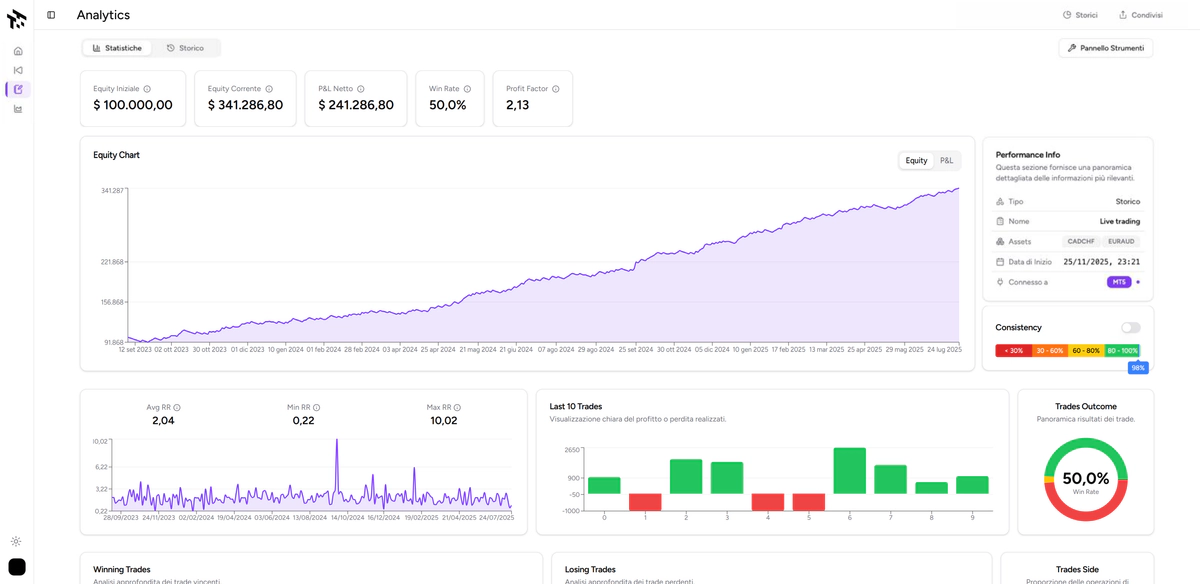
Yes, in a limited version. The Basic, Pro and Ultra plans include full Analytics, with more than 25 charts on your performance.
05
With Tag templates you create custom tags and use them as filters in Analytics, for example to compare different setups or conditions. Custom tags are available in every plan.
06
Yes. Session Sharing lets you share a backtest session through a private link with other traders or mentors. It is included in the Pro and Ultra plans.