A trading journal is a reasoned record of your trades: not just prices and P&L, but why you made each decision. It lets you answer questions that memory handles badly, like which setups actually work, which hours cost you money, and whether you stick to your risk plan. This guide covers what to log, which metrics to read and how to cut the manual work.
Trading journal vs. broker statement
Your broker statement tells you what happened: symbol, size, prices, commissions, profit. A journal adds why it happened and how you managed it. Two trades that both lost $100 could be a textbook stop-out and a revenge trade after a loss. They look identical on the statement, but not in a journal.
A useful journal combines two kinds of data:
| Objective data (from the account) | Context (from you) |
|---|---|
| Asset, direction, size | Setup or strategy (as a tag) |
| Entry and exit price and time | Reason for the entry |
| Initial stop loss and target | Management changes and why |
| Commissions, swaps, net P&L | Chart screenshot at entry |
| Trade duration | Followed the plan: yes / no |
Import the objective data whenever you can, because retyping it is slow and error-prone. Only you can write the context, and two or three lines per trade is enough.
Which metrics to review
You don't need dozens of numbers to get started. These five cover most of the picture:
- Win rate: the share of trades closed in profit. On its own, it doesn't tell you whether you make money.
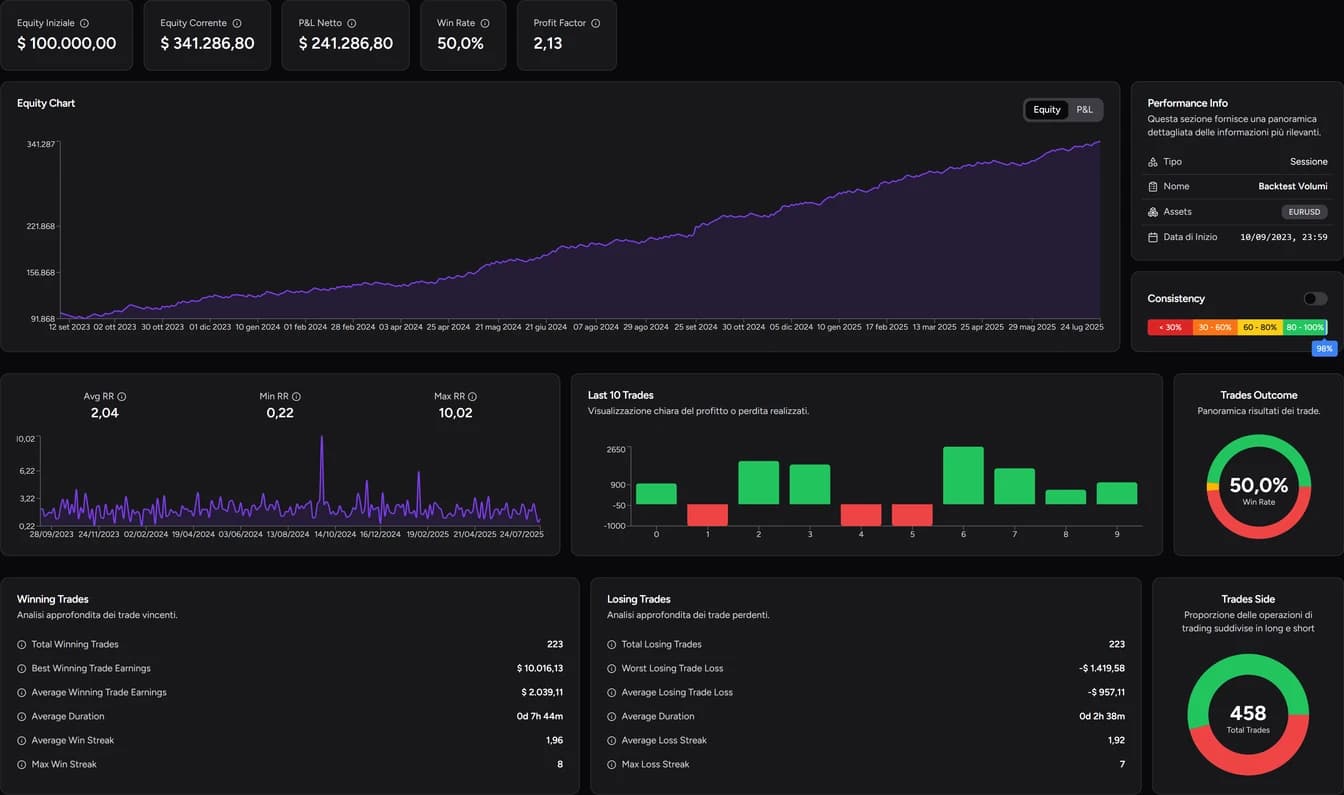
- Profit factor: gross profit divided by gross loss. Above 1, profits exceed losses.
- Average result per trade: your actual edge on the recorded sample, after costs.
- Maximum drawdown: the deepest fall from a previous peak. It shows how hard the ride was.
- Results by hour and weekday: when you make money and when you lose it.
Here's why they belong together: with 6 trades at +$50 and 4 at −$100, the win rate is 60%, yet the total is −$100 and the profit factor is 0.75. Our guide to analyzing your trading journal goes through each metric in detail.
Manual or automated journal?
A spreadsheet or a Notion database is a perfectly good place to start, and it forces you to think about every trade. The limits show up as trades and accounts pile up: manual entry, formulas to maintain and no way to review trades on a chart. We cover both options in detail in trading journal in Excel and trading journal in Notion.
A dedicated journal automates the objective data and leaves your time for the context.
The TotalTrade Trading Journal
The TotalTrade Journal collects trades in three ways:
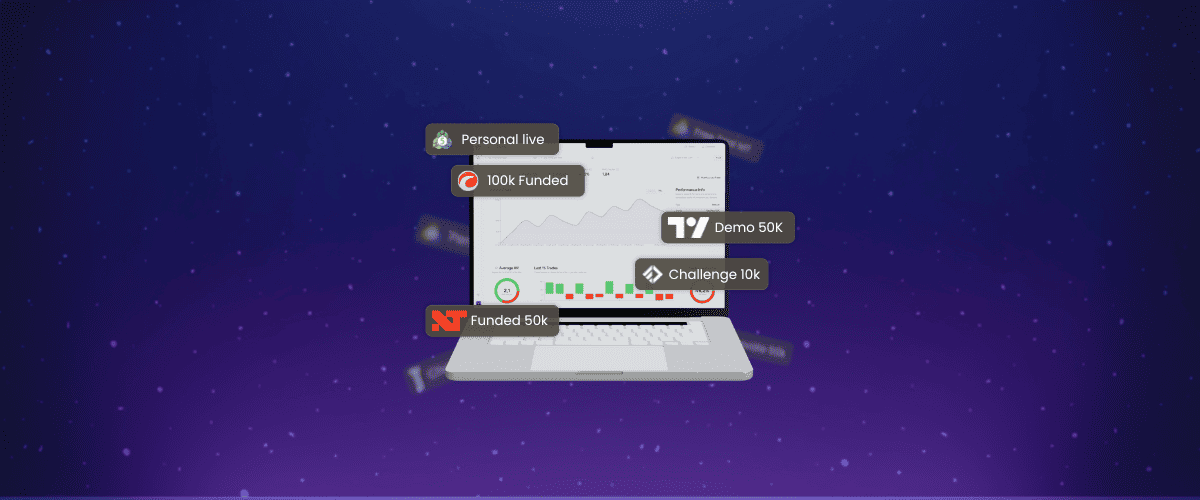
- Automatic sync with MetaTrader 5 and cTrader. This also works for FTMO accounts on MT5. The connection is read-only, so TotalTrade cannot open, modify or close positions. Setup guides: connect MT5 and connect cTrader.
- File import from NinjaTrader, Volsys/Deepcharts, FTMO, TopstepX, Tradovate, Interactive Brokers, TradingView and MetaTrader 4. The broker directory shows which method each broker supports.
- Manual entry for anything else.
Once your trades are in, you get:
- Automatic metrics and charts. Over 30 metrics, an equity curve and a P&L calendar.
- Tags, notes and screenshots on every trade, with filters by tag, date, time, weekday and direction.
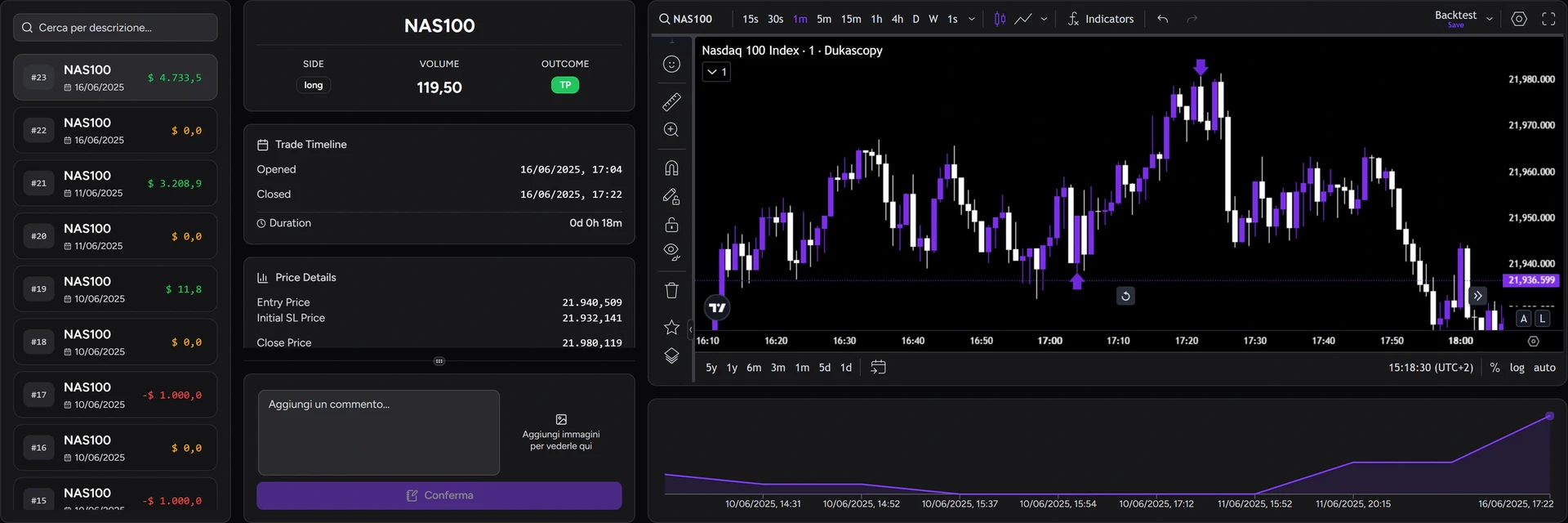
- Trade Review. Replay each trade on a TradingView chart with the entry and exit marked.
- Track Sharing (Pro and Ultra). Share your track record with a mentor through a private link, without giving access to your account.
The Free plan includes one track record with up to 20 trades. Basic offers 3 track records of 100 trades each, and Pro and Ultra are unlimited. See the plan comparison for details.
Full Analytics are available from Basic; Free has limited analytics. Journal images are unavailable on Free, limited to 2 per trade on Basic and 5 on Pro and Ultra. Track Sharing requires Pro or Ultra.
A 20-minute weekly review routine
A journal only works if you go back to it. This routine is short and focused on decisions:
- Filter the week and check net P&L, trade count and drawdown.
- Open your two worst trades and reread the notes. Was it a fair stop-out or an execution mistake?
- Open your two best trades. Did the profit come from the setup, or from taking more risk than usual?
- Check results by hour and by tag. Is one time window or one setup driving the numbers?
- Write one rule for next week and check it in your next review.
FAQ
Can the account connection place trades?
No. The MetaTrader 5 and cTrader connections are read-only. For MT5 you use the investor password, which cannot trade.
Can I keep separate accounts or prop firm challenges apart?
Yes. Create a separate track record for each account or challenge phase so equity curves and statistics don't mix. The number of track records depends on your plan.
Does it work for futures?
Yes, through the supported import platforms, including Tradovate, NinjaTrader and TopstepX. Check your broker's method in the directory.
How long should a trade note be?
Two or three lines: why you entered, what you changed during the trade and what you'd do again. A screenshot at entry beats a paragraph written from memory.
For information and education only, not financial advice. Backtest and simulation results do not guarantee future performance. Leveraged trading carries a high risk of loss.