
Setup
cTrader Journal import
Export an HTML statement from cTrader desktop and import it into the TotalTrade Journal. Required columns and the file import steps.
Product updates, detailed tutorials and practical guides from the people building TotalTrade.
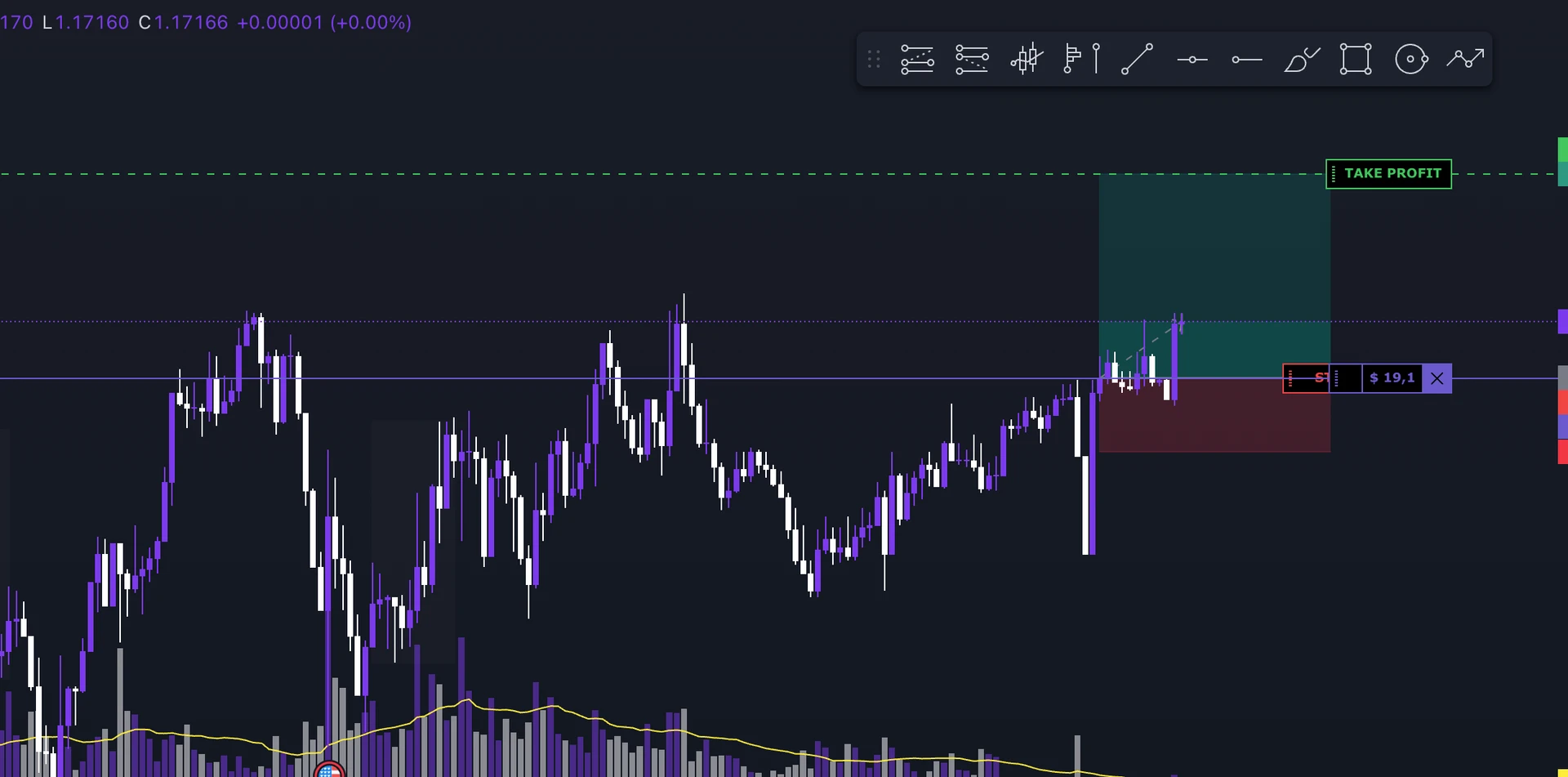
Test your strategy on historical data with replay: you make the entries and manage the trades, no code needed.
Practical guides and detailed tutorials on backtesting, Forex Replay and trading journals.
Export an HTML statement from cTrader desktop and import it into the TotalTrade Journal. Required columns and the file import steps.

Export an HTML report from MetaTrader 4 desktop and select MetaTrader4 when importing it into the TotalTrade Journal.

Export an HTML report from MetaTrader 5 history and import it into a manual track record in the TotalTrade Journal.

Use NinjaTrader Trade Performance, select Executions and export the file for the TotalTrade Journal.

Find Export in the TopStepX Trades panel, choose your dates and import the CSV into the TotalTrade Journal.

Export the Paper Trading account history from TradingView and choose TradingView Paper Trading in the TotalTrade Journal import.
Export the order history of the broker used in TradingView and import the file into the Journal using the TradingView provider.
Choose your Tradovate account, export the orders for your date range with Scarica CSV and import the file into the TotalTrade Journal.
Export a CSV from the VolSys trading report and import it into the TotalTrade Journal. The export does not include actual entry and exit times.
Available instruments, organised by market and symbol.
Compatible brokers and platforms, with the import method available for each.
Trend, momentum, volatility and volume: indicators available in the Backtester.
What is a gold price move worth? An XAU/USD example with a 100-ounce contract, stop loss, costs and lot size.
One pip on USD/JPY is 0.01. Learn how to convert risk from yen into the account currency, with a complete numerical example.
The same reference market, different quantities: compare point value, tick size and risk for NAS100, NQ and MNQ before backtesting.
Compare E-mini and Micro S&P 500 futures. An example shows how to turn a stop distance in points into a whole number of contracts.
How to read the MACD line, signal and histogram. Distinguish crossovers, zero crossings and calculation differences between platforms.
Read the middle average, bands and volatility compression. An example distinguishes a breakout from a mean-reversion strategy.
How simple and exponential moving averages are calculated, why they respond differently and how to test a filter or crossover.
Connect your IC Markets MT5 account with its server, login and investor password. For cTrader or file imports, follow the platform’s workflow.
Export a CSV from the FTMO MetriX Trading Journal and select FTMO in the TotalTrade Journal file import.
Set up an execution confirmation Flex Query in Interactive Brokers, download the CSV and select Interactive Brokers in the TotalTrade Journal.
From price movement to risk. A practical position sizing example and a method for backtesting.
Read volatility and test ATR-based stops with consistent rules and costs.
The eleven file import providers in the TotalTrade Journal, export formats, and MT5 and cTrader account connections. A guide for each workflow.
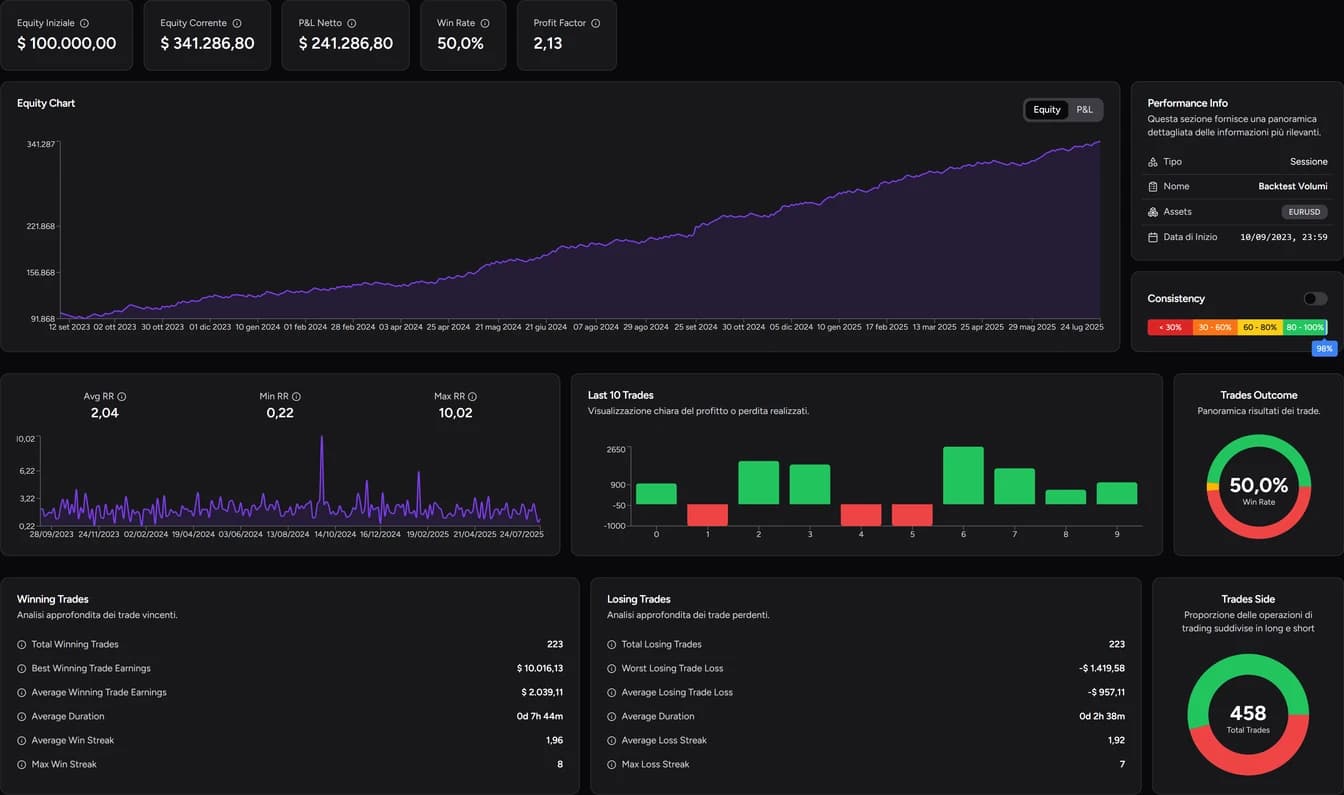
Formulas and worked examples to read a backtest and see how risk, trade management and costs shape it.
Losses avoided vs. targets missed: how to measure what break-even really does to your trades.
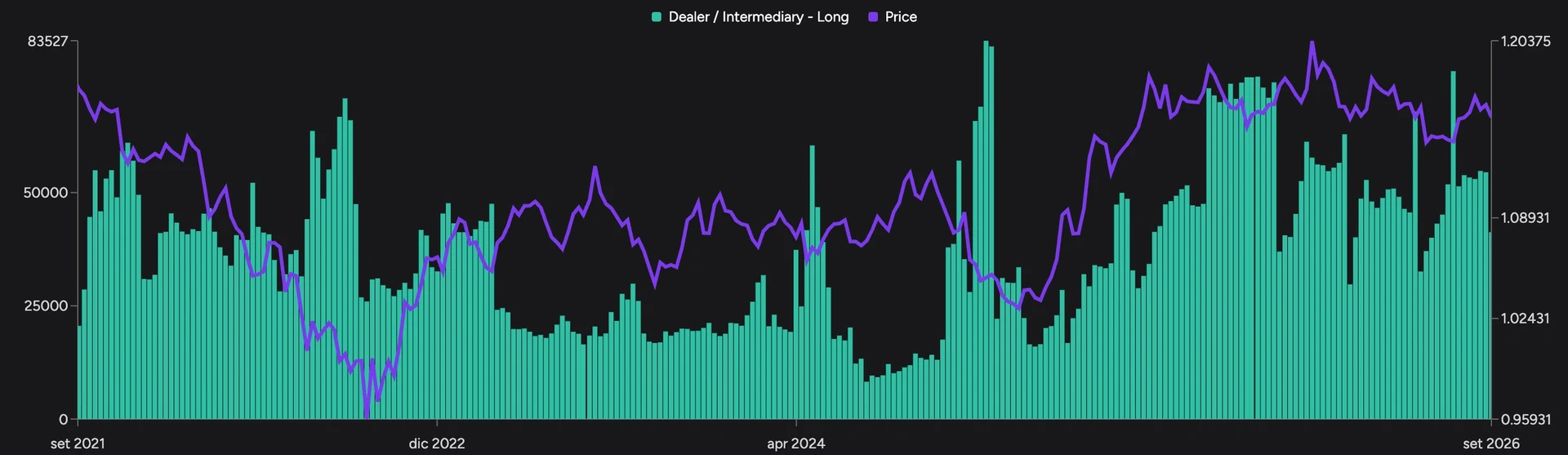
Categories, net positions and weekly changes: how to interpret positioning in the futures market.
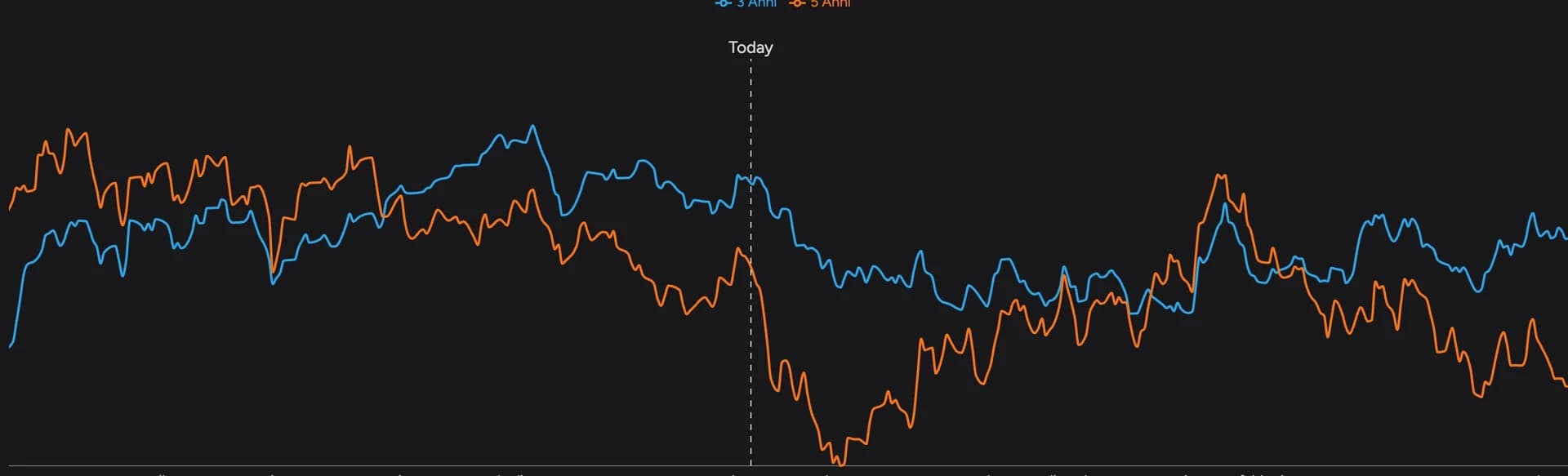
Seasonal curves, yearly returns and trading windows: how to fold seasonality into your market analysis.
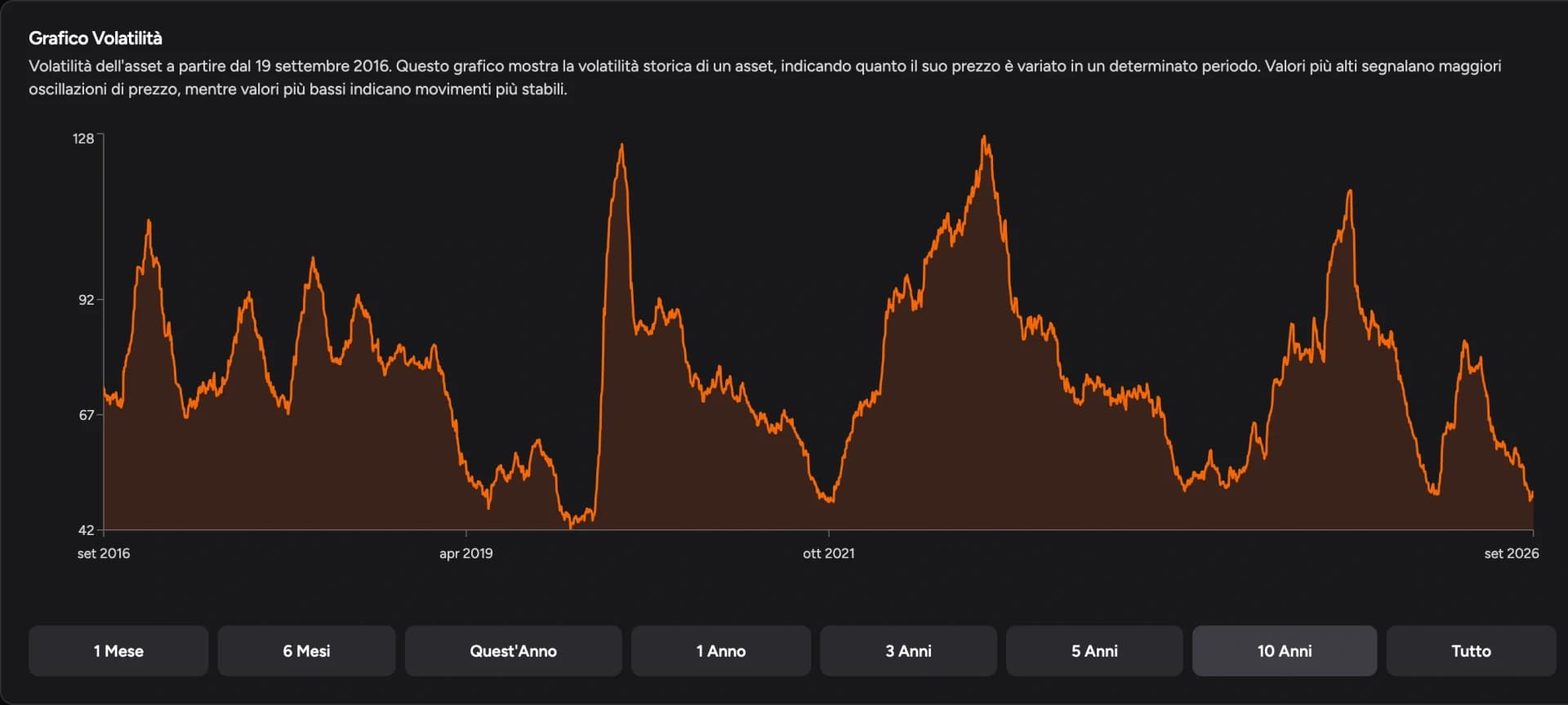
How volatility changes through the day and how to use it for stops, targets and position size.
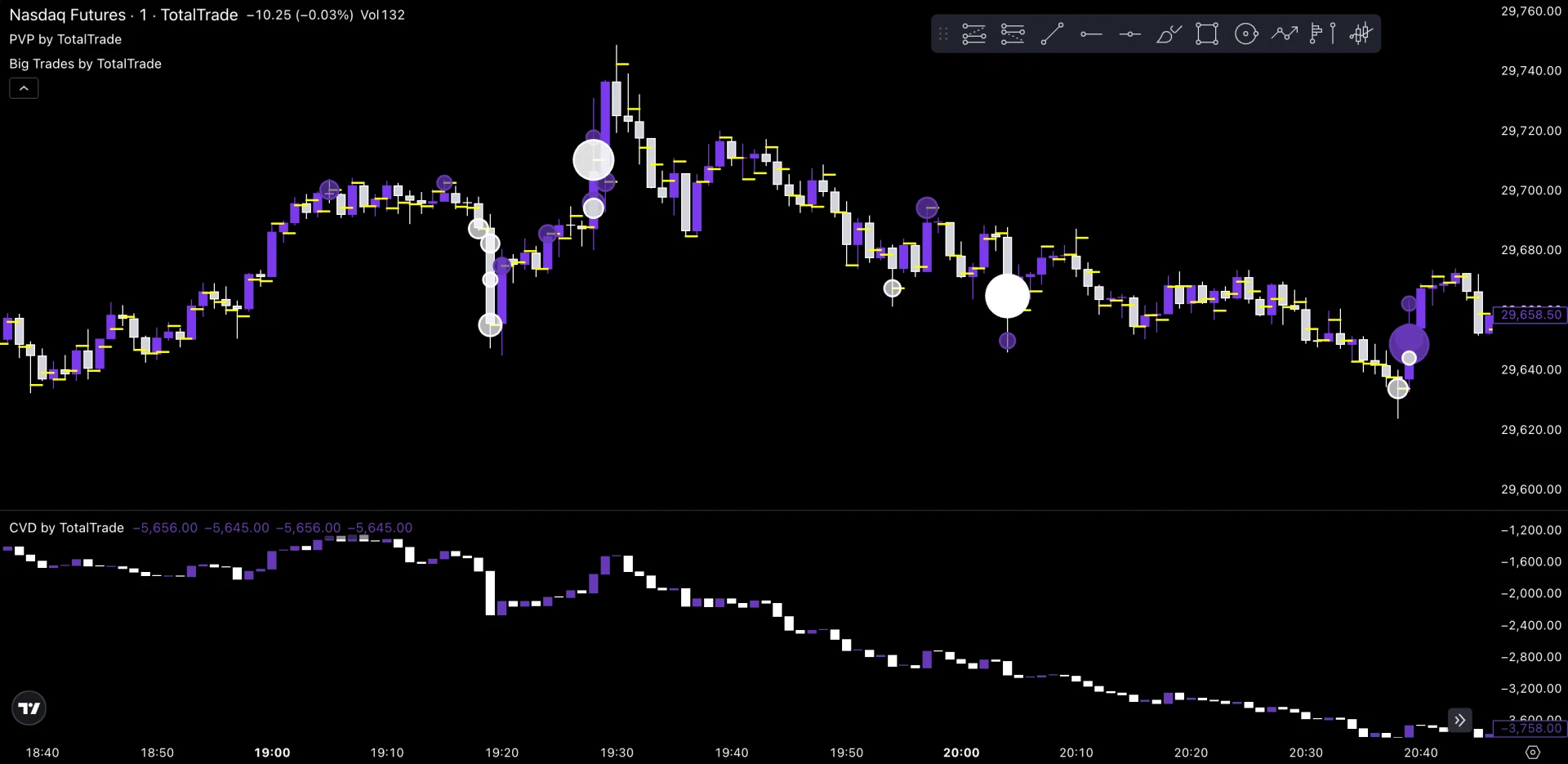
Aggressive orders, passive liquidity, volume and delta: how to read executions alongside price.
How to read cumulative delta and analyze divergences without turning them into automatic signals.
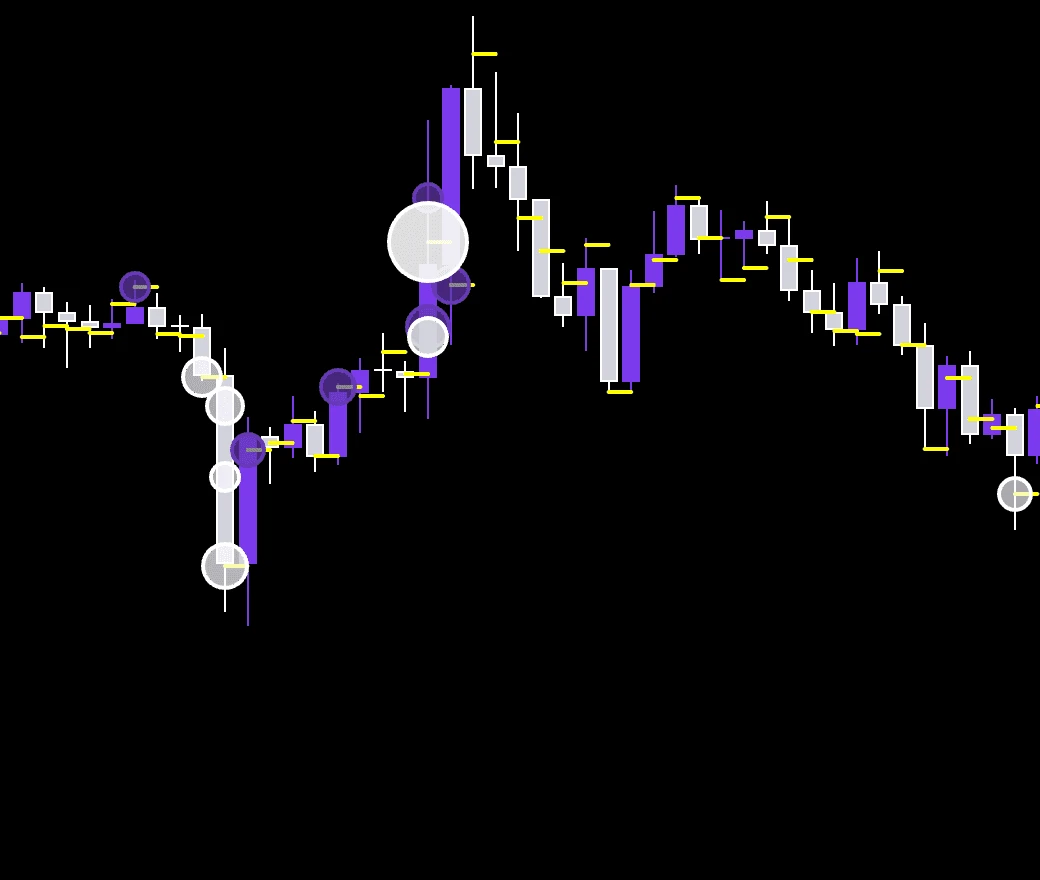
What large trades show and how to assess them by level and by price's reaction.
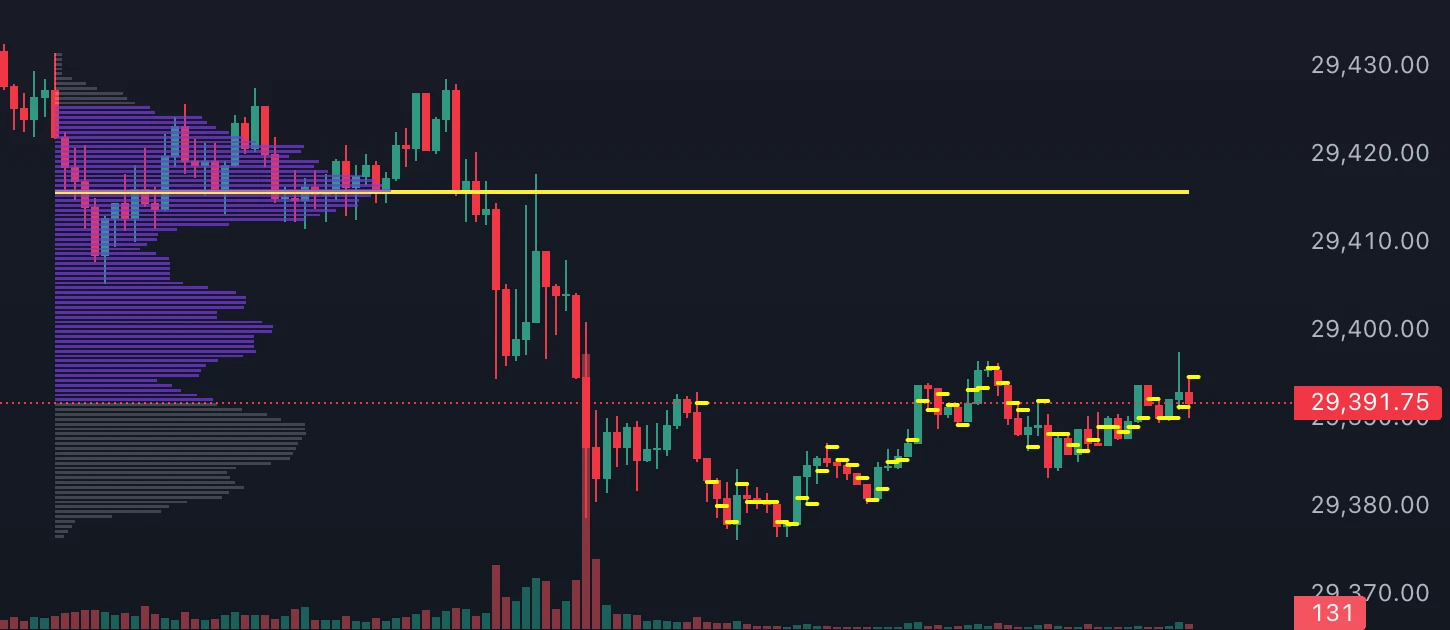
How volume is distributed by price and how to use profile levels in your analysis.
Open the report, pick a trader group and compare longs, shorts and weekly changes with price.
Compare years, select dates and read the returns and excursions of a seasonal window.
Use the history and the weekday and hourly summaries to prepare your trading sessions.
Statistics, filters and calendar to see what works and what to fix in your trading.
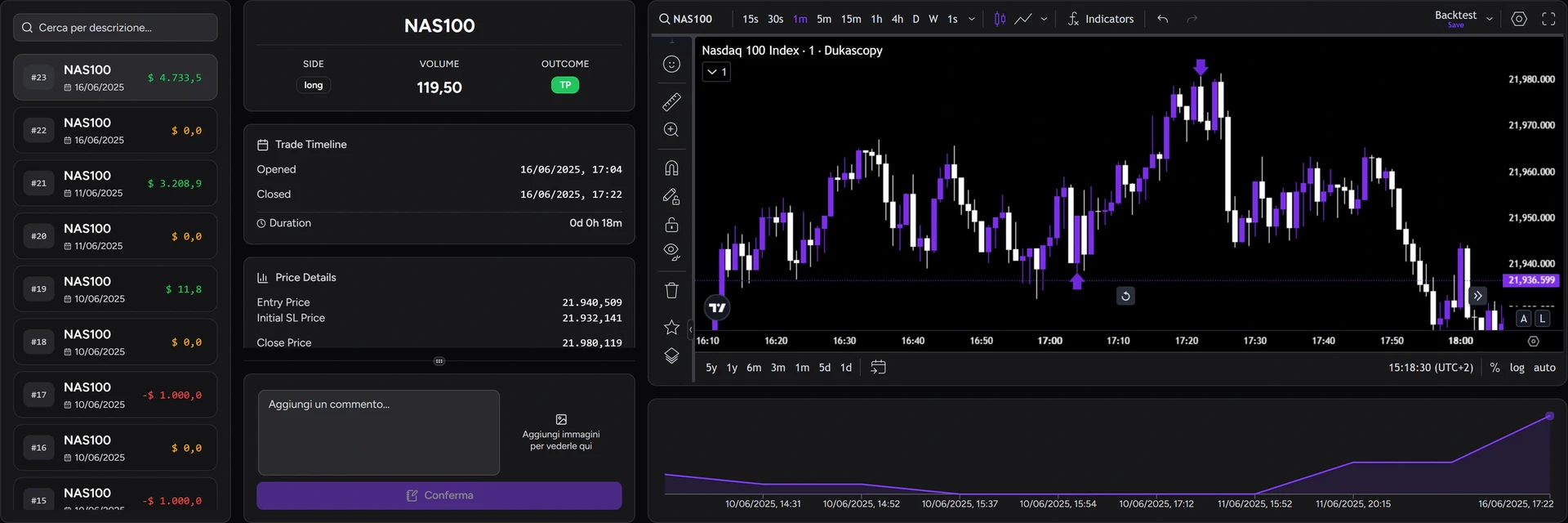
Reconstruct entry, management and exit for every trade and keep the reasoning behind your decisions.
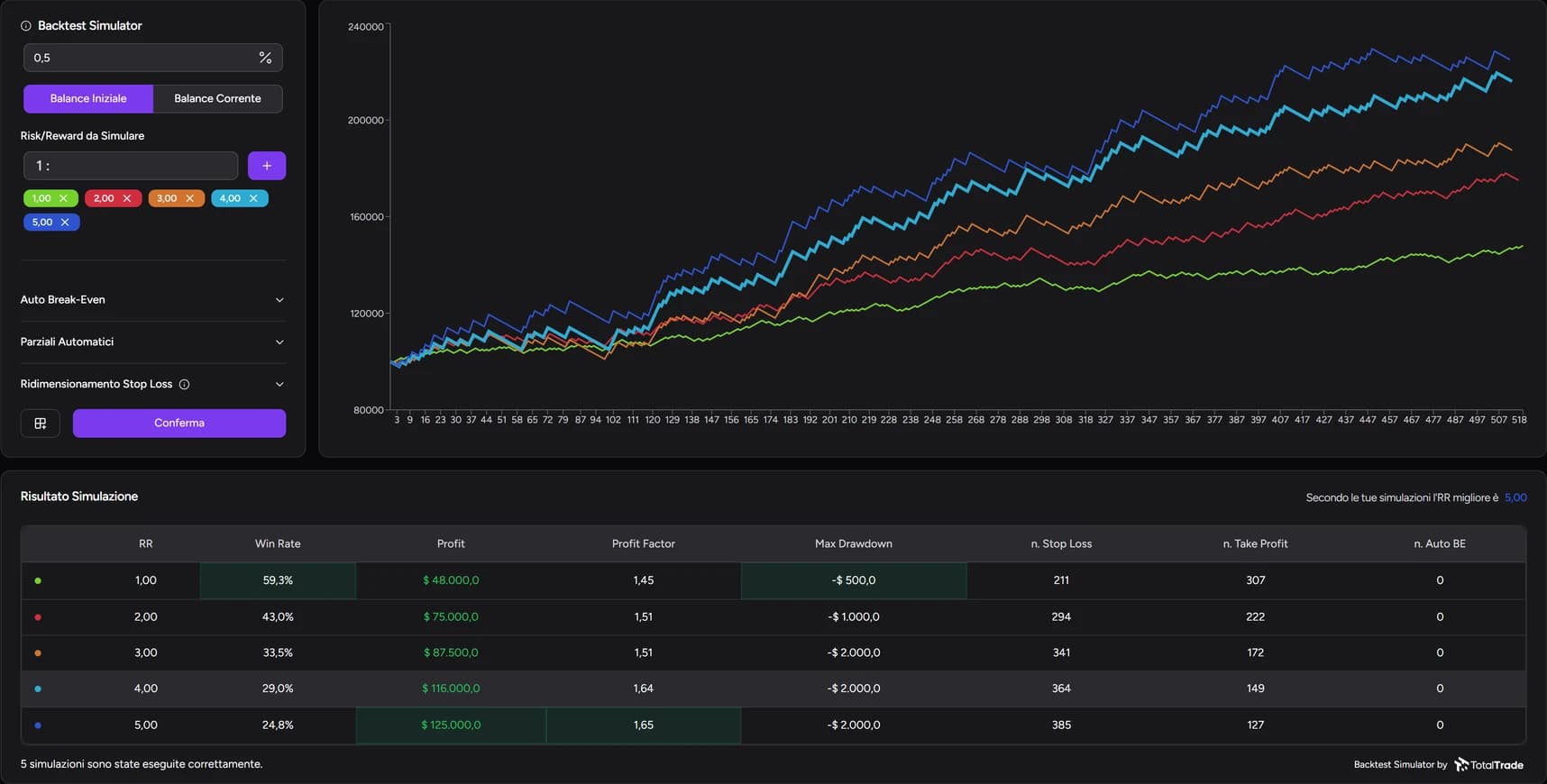
Recalculate a session with different targets, break-even rules and partials, then compare profit and drawdown.
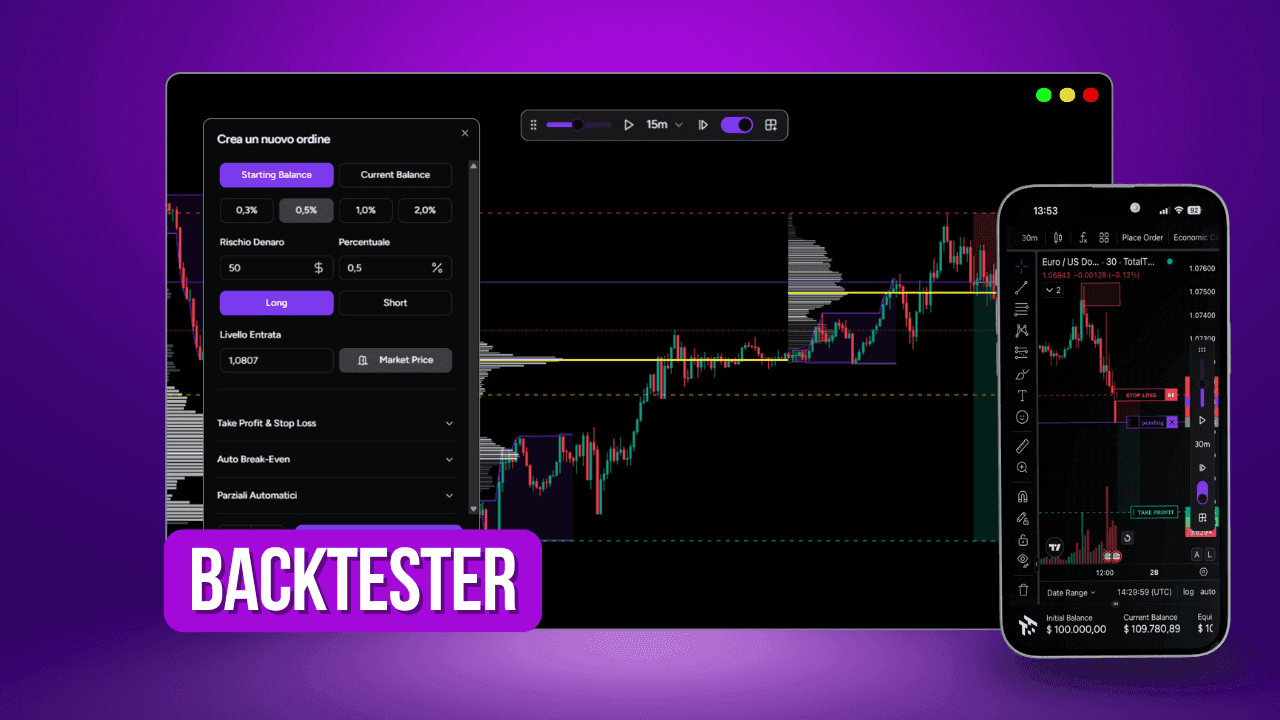
From Bar Replay to Place Order and Mini Analytics: every control you need to backtest on the chart.
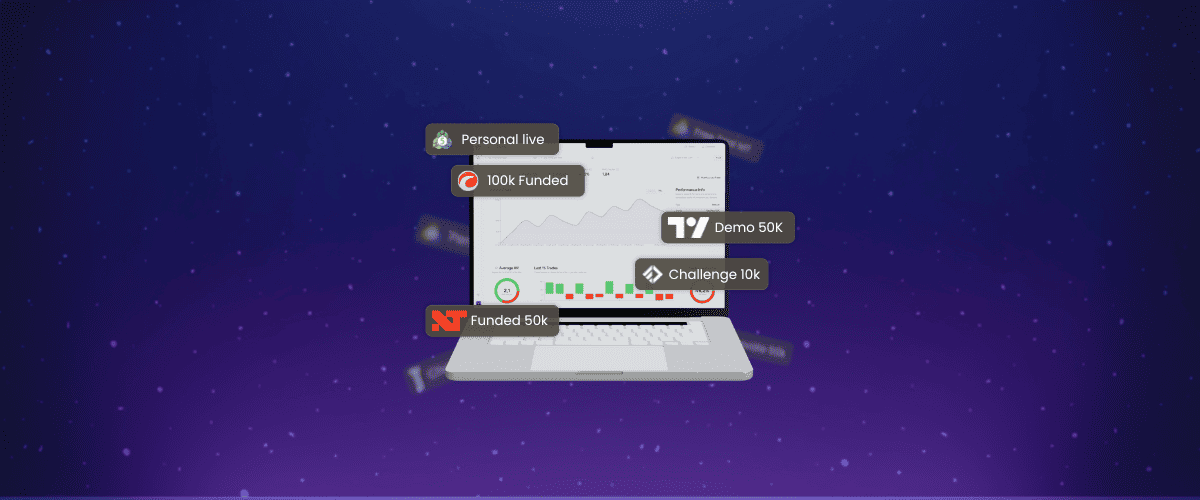
What to log for each trade, which metrics matter and how to automate your trading journal.
Columns, formulas and the real limits of a spreadsheet, plus an honest comparison with a dedicated journal.

Properties, formulas and views for a Notion trading journal, plus the limits you should know about.
Create a Journal track record, select MetaTrader5 and enter the server, login and investor password. Required fields and the HTML file alternative.
Open the new track record form, enable the live connection, choose cTrader and use the account selection control. HTML file import is also available.