Publishing
Sharing an indicator with everyone, updating it and withdrawing it.
Publishing
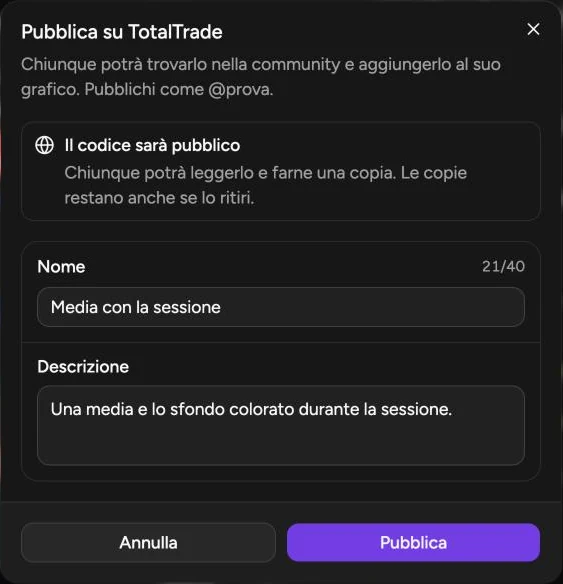
In the script menu, Publish to TotalTrade… saves the script, which must compile without errors. The first time you choose your username; then the dialog asks for the publication name and a description, optional, up to 500 characters.
- The publication is a separate copy of the saved code: you can keep editing the script without touching it.
- When you’re ready, the same command becomes Update publication…: users get the new version the next time they open the chart.
- In the community the code is visible to everyone: anyone can read it and start from a copy.
In the catalog
Publications are in Most used, starting from the most used, with the author and how many people use each one. Yours are also in Published by you.
Withdrawing
From Published by you you withdraw a publication, after a confirmation: nobody can find it any more, and anyone who had it on the chart loses it the next time they open it. If you publish the script again it comes back as it was, with the same people using it.
The publication stays in the community until you withdraw it from Published by you.